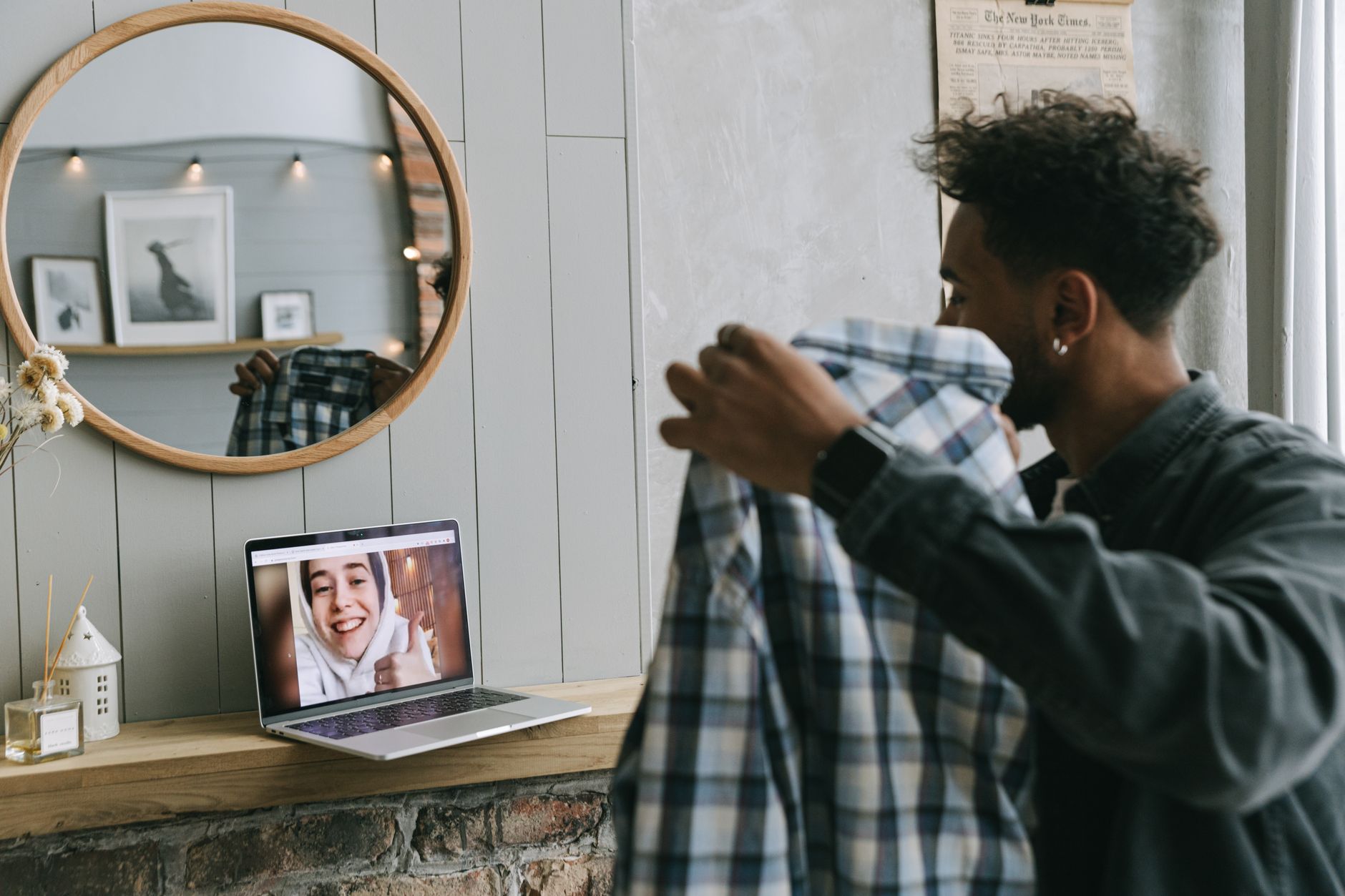
In short: On a chatroulette, the person you're talking to sees two things at once: your face, and everything behind it. The latter often fills 70% of the frame. A bare white wall feels like an interrogation room; an unmade bed and a pile of laundry feel like neglect; and an envelope sitting on your desk can hand over your name and your street. Your background is both a conversation tool and an information leak. This guide explains how to turn it into an asset without turning your bedroom into a studio.
Your surroundings speak before you do
On random video chat, the decision to stay or hit "next" is made in a handful of seconds. During that brief moment, the eye sweeps the entire frame, not just the face. It's a reflex documented in research on first-impression formation: we use every available contextual cue to infer someone's status, age, background and interests.
Studies conducted during the videoconferencing boom confirmed this in a professional setting. Research published in 2023 in PLOS ONE by Abhishek Varma, Peter Hancock and their co-authors tested how identical faces were perceived in front of different backgrounds: backgrounds featuring plants or bookshelves improved judgements of competence and trustworthiness, while backgrounds showing a bedroom or a cluttered interior made them worse. The face never changed. Only the setting did.
Now transpose that to a chatroulette, where the person facing you doesn't know you, will probably never see you again, and has a button to skip to the next stranger. The background becomes a silent persuasion argument. And as we wrote in our article on non-verbal ice-breakers, whatever is visible works for you while you're still searching for words.
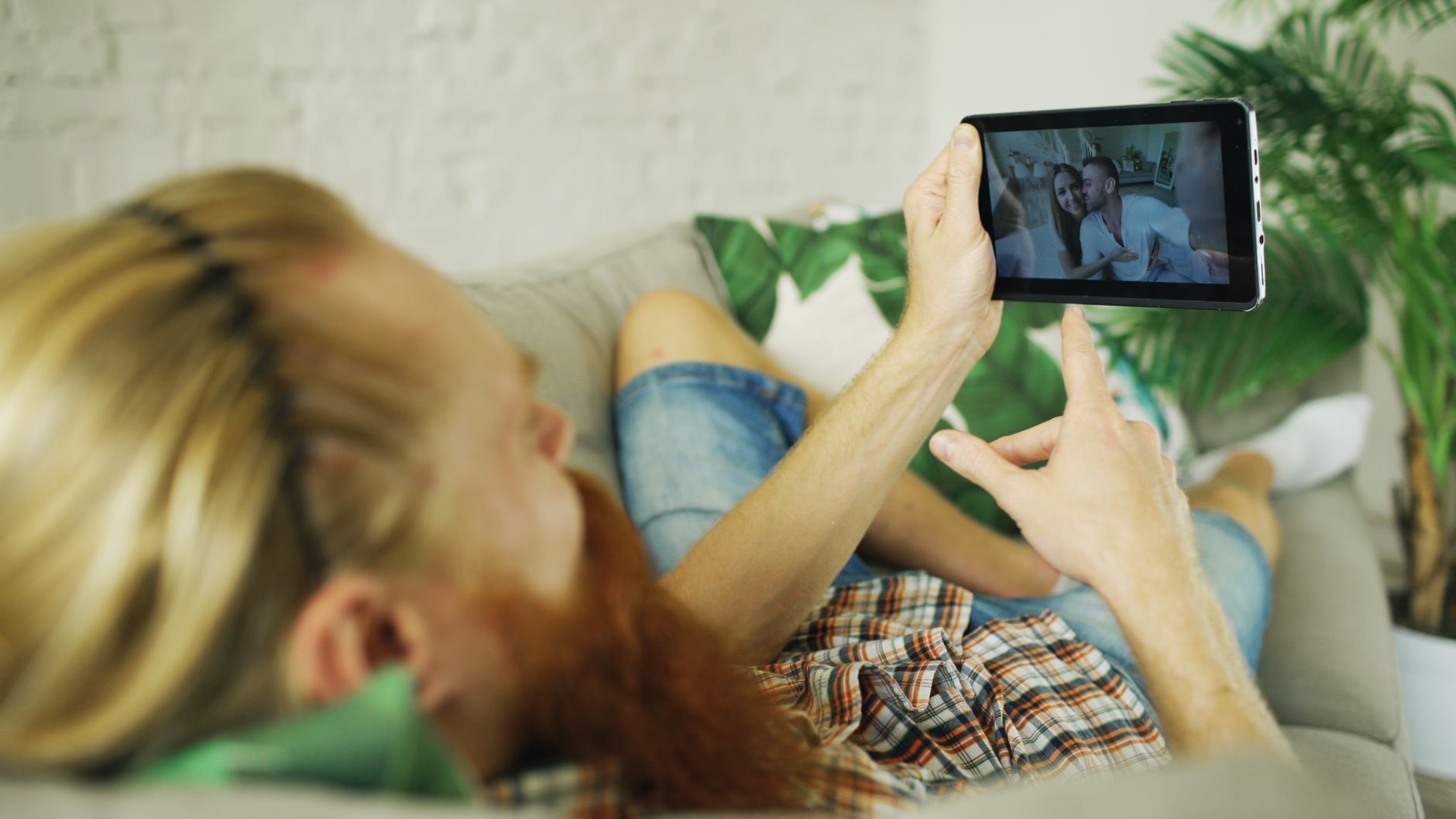
The three backgrounds that drive people away
Before you build, you have to remove. Three setups come up again and again, and they cost you conversations.
The all-white wall
It's the most common one, and it looks harmless. The problem: a plain wall with no reference points produces a flat image with no depth, often paired with harsh light if you're sitting under a ceiling fixture. The feeling it creates is that of an anonymous room, or even a place of confinement. It gives nothing to comment on, so nothing to start from. An empty wall isn't neutral: it's empty.
The bedroom background
A visible bed, especially an unmade one, radically changes how the scene is read. In a context where strangers meet, it introduces an ambiguity you don't need — and it attracts exactly the kind of people you're trying to avoid. If your bedroom is the only room available, turn your desk a few degrees to frame a wall, a window or a bookshelf rather than the bed.
The total mess
Dishes, boxes, clothes on a chair, dangling cables: clutter works as a signal of disengagement. It says "I didn't make any effort." And on a platform where nobody owes you anything, the smallest visible effort is read as a mark of respect toward the other person.
A successful background isn't a magazine set. It's a space that shows a thoughtful person lives there.
What your surroundings reveal without your consent
This is the most underestimated part. While you chat, your image can be recorded: a screenshot takes one second, and we detailed the consequences in our article on screenshots and re-identification. A detail-rich background is a clue-rich background.
Here's what an attentive observer can extract from a simple background:
| Visible element | Information inferred |
|---|---|
| Mail, parcel, shipping label | Full name, postal address |
| Diploma, framed certificate | Name, institution, approximate year of birth |
| Family photos | Faces of third parties who never consented |
| Uniform, badge, company logo | Employer, workplace |
| View through the window | City, neighbourhood, sometimes an identifiable street |
| Local club jersey, event poster | Precise geographic area |
| Keys on a table | Key pattern reproducible from a high-resolution image |
France's data protection authority, the Commission nationale de l'informatique et des libertés (CNIL), regularly points out in its guidance on videoconferencing and personal data protection that the environment you film is part of the data you broadcast. What holds true when working from home holds far more true when facing one stranger after another.
The habit to build takes thirty seconds: before you start your first conversation of the evening, look at your own camera preview as if you were an investigator. What would you read? What could you track down? Turn the frames around, put the mail away, close the curtain. Sensitive documents that too often sit around on a desk are better off in a lidded storage box than on a visible shelf.
Building a background that makes people want to stay
A good video chat setting respects three principles: depth, a focal point, and no personal information.
1. Create depth
Don't press your back against the wall. One to two metres between you and the background is enough to produce a slight natural blur and a sense of volume. It's the free adjustment that improves your image the most, long before buying any gear.
2. Set up a single focal point
One strong element beats ten scattered objects. The safe bets:
- A green plant, however modest. It's the element that most improves likeability judgements in the studies cited above, and it says nothing about you.
- A bookshelf, spines turned away if you'd rather not display your opinions. It creates lines and texture.
- A musical instrument leaning against the wall: it opens the door to a conversation without you having to play a note.
- A world map or a graphic poster, an instant talking point with someone from another country.
- An adhesive LED strip behind a piece of furniture, set to a warm, subtle light — a far better option than a bare wall.
3. Remove unintended signals
Political or religious posters and strong identity symbols polarise instantly. You have every right to own them; just be aware that on a chatroulette they act as a filter and reduce the number of possible conversations. Same logic for overly conspicuous brands and valuables on display.

Blur, virtual background, green screen: what's each one worth?
Many users prefer to hide their surroundings rather than curate them. That's a legitimate option, but each method has a cost.
Software background blur
This is the best effort-to-result ratio for anyone who wants to protect their privacy. It keeps the impression of a real space while making details unreadable. One caveat, though: the blur is computed in real time by your machine and eats CPU. On an older computer, it can degrade image smoothness — a problem we cover in our guide to connection, bandwidth and latency.
Another limitation: edge detection regularly fails. A moving arm, long hair, an object held in your hand, and the background flickers back into view. Don't count on blur to hide genuinely sensitive information: put it away.
Virtual backgrounds (image or video)
They replace your room entirely. On paper, that's perfect anonymity. In practice, three side effects:
- The edges wobble, especially in low light, which makes the image look artificial.
- An overly spectacular background (beach, cockpit, outer space) signals you're not serious and invites skipping.
- The processing load is higher than plain blur.
If you go for a virtual background, pick a sober, plausible room. The illusion works better the more mundane it is.
The physical green screen
This is the solution used by regular users and creators. A foldable green screen placed behind your chair makes edge detection clean, stable and light on resources, because the software no longer has to guess where you begin. It does, however, require even lighting on the fabric, with no creases or cast shadows — otherwise the result is worse than simple blur.
For lightweight setups, a decorative acoustic foam panel offers an interesting alternative: it breaks up the bare wall, gives the image texture, and improves the reverberation of your voice along the way — a topic we cover in our article on sound in video chat.
Lighting matters as much as the setting
A beautiful setting, badly lit, is still a bad background. Three classic mistakes:
- The window behind you. The sensor adjusts to the brightest area and your face turns into a black silhouette. Put the window in front of you or to the side.
- A single ceiling light. It deepens under-eye shadows and flattens the background. A desk lamp aimed at the wall behind you instantly recreates depth.
- The screen as your only light source. It produces a shifting blue cast that reads as cold.
If you often chat in the evening, a lamp with adjustable colour temperature lets you switch from neutral white during the day to warm white at night, which also softens the image. We laid out the full method in our guide to webcam lighting.

The mobile case: a moving background
On a smartphone, the background is no longer fixed: it moves with your hand. Every shake parades your entire room in front of the stranger on the other side, and the front-facing camera, wide-angle by nature, captures far more of it than a standard webcam.
Two simple fixes:
- Stabilise the device. A small smartphone desk tripod locks the frame, frees your hands and avoids the unflattering low angle that is the visual signature of bad mobile video chat.
- Choose something to sit against. Sit with your back to a wall you've picked, rather than filming the whole room as you swivel around.
Should you show the outdoors?
Chatting from a balcony, a park or a café is tempting: natural light is flattering and the setting feels alive. But three reservations apply.
First, visual geolocation. A monument, a shop sign, a street sign, a bus number: an outdoor image can often be pinpointed to the metre by a motivated observer. Second, third parties. Passers-by who end up on camera never asked for it, and in France image rights protect any identifiable person, including in the background of a broadcast. Third, ambient noise, which destroys intelligibility far faster than you'd imagine.
If the outdoors matters to you, go for a private space (garden, enclosed balcony), frame tightly on greenery or the sky, and plan on a headset with a noise-cancelling microphone so your voice survives the wind.
The thirty-second checklist
To do before starting your first conversation:
- My camera preview shows no mail, documents, diplomas or labels.
- No third-party faces appear, whether in photos or in person.
- The window reveals no locatable landmark; curtain drawn if in doubt.
- There is space between my back and the wall.
- A single focal point is visible (plant, shelf, poster).
- My face is brighter than the background.
- Nothing polarising or expensive is on display.
Seven lines, half a minute, and an image that works for you instead of against you.
In summary
Your background is the only part of your presentation you can prepare entirely in advance, once and for all. It demands no eloquence, no boldness, no budget: a metre of distance, a plant, a well-placed lamp and a cleared desk are enough to change the tone of all your conversations. And unlike a good line, it never wears out.
That leaves the golden rule, which applies to everything else you do here: whatever is in the frame is published. Treat every square centimetre of your image as information you are making permanently public, and round out this visual hygiene with the measures detailed in our video chat privacy guide and on our safety page.