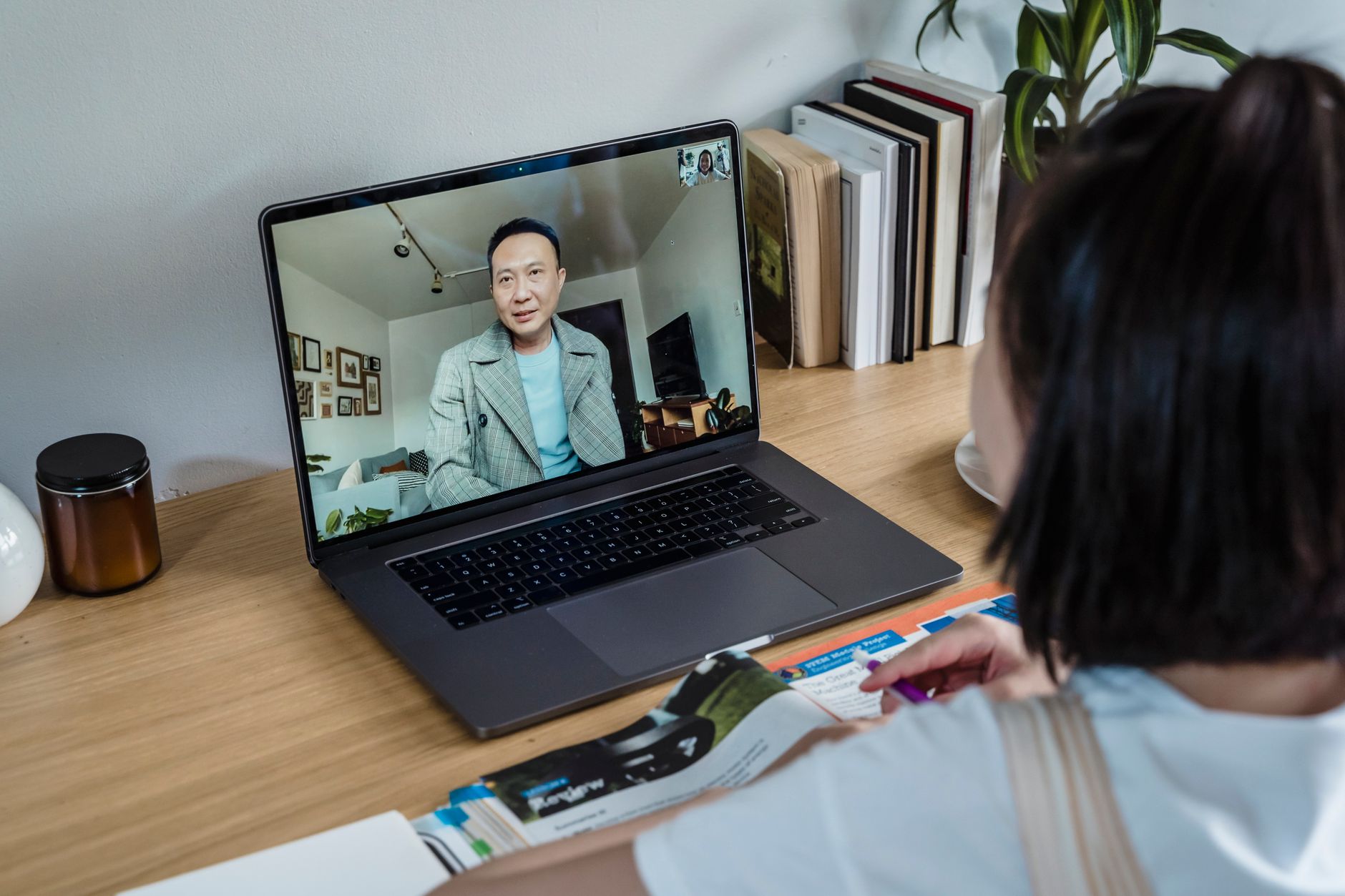
In short: Random video chat was designed around an imaginary user: someone who hears perfectly, sees sharply, speaks without hesitation and sits comfortably in front of a webcam. In real life, that profile is far from universal. In France, according to surveys from the DREES and INSEE (the Autonomie survey), several million people report a hearing, visual, motor or speech limitation. Nothing stops these users from logging on to Bazoocam, Chatrandom or OmeTV — but the format in its raw state is hostile to them, and a few well-chosen adjustments turn a frustrating experience into something entirely workable. This guide reviews what actually gets in the way, and what can be fixed.
Why this format is especially demanding
A standard video call with colleagues leaves room to breathe: you know each other, you repeat yourself, you type in the chat, you reschedule. Random video chat works the opposite way. The person on the other side is a stranger, has no reason to make an effort, and already has a finger on the "next" button. The window of tolerance is five to ten seconds.
That creates three specific difficulties:
- The speed of mutual understanding. Anything that slows down the first exchange — a lag, an unusual articulation, a need for repetition — gets read as a technical glitch or a lack of interest, and triggers a skip.
- The absence of context. In a professional or community setting, you explain your situation once and for all. Here, you would have to re-explain it twenty times an hour.
- The uneven quality of the stream. A compressed image or distorted sound bothers everyone, but becomes a dealbreaker when you lip-read or rely on residual hearing.
The good news: all three come down to concrete choices, not inevitability.
Deafness and hearing loss: making the visual channel the main one
Prioritise the image over the sound
If you lip-read, your critical resource is not your audio connection but how sharp the other person's face is — and above all, how sharp yours is, because someone who can see you clearly is more likely to stay.
Three levers, in order of effectiveness:
- Front lighting. A face lit from the front, with no backlight, doubles lip readability. An LED ring light placed behind the screen is enough; avoid having a window behind you, which turns everyone into a black silhouette.
- Resolution. A 1080p webcam with autofocus makes mouth movements usable, whereas an entry-level phone sensor reduces them to a mush of pixels.
- Framing. Upper body and face, camera at eye level. A laptop lying flat films your chin: a laptop riser stand solves that in ten seconds and improves your posture too.

Say it upfront, briefly and without apologising
The classic mistake is waiting for the misunderstanding before explaining. It's far better to set the frame straight away, in writing, in the text box that nearly every platform offers alongside the video.
One short sentence does the job: "Hi! I'm deaf, shall we type?" or "Hard of hearing — face the camera when you talk and we'll be fine." User feedback converges on the same point: phrased that way, without pathos, the request is accepted in a large majority of cases. Phrased as a long apology, it makes people leave.
Some people keep a small slate or spiral notepad next to the keyboard to show a word to the camera faster than they can type it — an A4 dry-erase whiteboard works perfectly and avoids breaking eye contact.
Automatic captions
No random chat platform ships with reliable built-in transcription in 2026. Your operating system, however, can handle it: Android's Live Transcribe, Live Caption in Chrome (enabled in the browser's accessibility settings) or Windows 11's live captions transcribe any audio played by the device, including audio from a web tab.
The transcription stays imperfect — accents, background noise, slang — but it provides enough keywords to follow the thread. It works best in English and standard French, far less well with very noisy partners.
Useful rule of thumb: on busy platforms, simply typing the first message puts you in the active position. You choose the channel, the other person follows.
Visual impairment: compensating with audio and control of your setup
At first glance, random video chat seems inaccessible without sight. That's untrue for low vision, and only partly true for total blindness — plenty of blind users treat these platforms exactly like social radio, for the conversation.
What helps with navigation: browser zoom (Ctrl + "+"), the system's high-contrast modes, and screen readers (NVDA on Windows, VoiceOver on macOS and iOS). Random chat interfaces are often poorly labelled for screen readers; memorising two or three keyboard shortcuts, especially the one that triggers "next", spares you painful navigation. On some platforms, the Esc key or the right arrow moves you on to the next partner.
What helps with the exchange: audio becomes everything. A noise-cancelling headset microphone makes you intelligible on the first attempt, which more than compensates for the fact that you're missing the other person's visual cues. And it is entirely legitimate to announce: "I'm visually impaired — describe where you are a bit." That sentence often turns a bland conversation into a curious exchange, because it gives the other person a role.
What helps with safety: not being able to see what the other person is showing makes you more vulnerable to inappropriate content or manipulation attempts. Turning off your own camera when you can't check what's being captured in the background is a reasonable precaution; many platforms accept audio-only sessions.
Stuttering, dysarthria and speech disorders
This is probably the case where the random format is at once the hardest and the most useful.
The hardest, because stuttering worsens under time pressure and the gaze of a stranger — precisely the two ingredients of chatroulette. The most useful, because speech therapists have long worked with graded exposure: facing feared speaking situations, repeatedly, with zero social stakes. The Association Parole Bégaiement, in France, documents this exposure principle in its resources for adults.
A few strategies that come up regularly on user forums:
- Start in writing, switch to speech. Two or three typed messages create the beginning of a connection. The other person is then more willing to stay, even if your speech is hesitant.
- Set a session goal, not a performance goal. "Say my first name out loud five times tonight" is achievable. "Have a long, fluent conversation" is not, and only produces failure.
- Treat disconnections as statistical noise. On these platforms, everyone gets cut off constantly, including people with no speech disorder. Attributing every "next" to your stutter is a costly misreading.
- Work on your setup. An ergonomic office chair and an open posture with lowered shoulders change your breathing — and breathing changes speech. This is not a cosmetic detail.
A tracking journal kept after each session — how many exchanges, which ones lasted, what triggered a block — is valuable raw material if you're working with a speech therapist. A simple lined notebook beside the screen is enough.

Reduced mobility, chronic pain, fatigability
Here the problem is neither sensory nor verbal: it's ergonomic and temporal.
| Difficulty | Concrete adaptation |
|---|---|
| Pain when seated for long periods | Sessions of 20 minutes maximum, visible timer |
| Limited range of motion | Compact keyboard, vertical mouse or trackball within reach |
| Framing dictated by the wheelchair | Webcam on an articulated arm rather than perched on the screen |
| Cognitive fatigue | Prepare 3 conversation prompts in advance, on paper |
| Tremors, reduced precision | Keyboard shortcuts rather than repeated clicks |
The framing question deserves a word. Many wheelchair users hesitate: show the chair on camera or not? There's no universal right answer. Deliberately keeping it in frame filters out, upfront, the people who don't want an ordinary exchange — which saves time. Leaving it out of frame allows conversations where the subject never comes up. Both strategies are legitimate, and many people alternate depending on their mood that evening.
What platforms offer (and don't)
Let's be factual: accessibility is not a selling point in this sector. None of the mainstream random chat platforms claims compliance with WCAG 2.1, the international web accessibility standard published by the W3C, nor with France's RGAA, whose requirements in any case only apply to public services and certain large companies under article 47 of the 2005 law.
In practice, here's what exists almost everywhere:
- a text box alongside the video — the most effective accessibility tool of the lot, by accident;
- country or language filters, useful for landing on people who will type in a language you're comfortable with;
- a report button, to be used without hesitation in the face of mocking behaviour.
What exists almost nowhere: built-in transcription, full keyboard navigation, proper ARIA labelling, interface speed settings. So you have to compensate at your own workstation — which is exactly what the previous sections are about.
The social contract: what to say, when, to whom
One principle comes up in every account: information is given, not justified.
Three formulations that work:
- "I'm deaf, shall we use the text chat?" → factual, offers a solution.
- "My sight is very poor, so I won't react to what you show me, but I'm listening." → sets expectations.
- "I stutter a bit, give me a couple of seconds." → asks for a specific delay, not infinite patience.
Three that work badly: the long apology, the dramatisation of the difficulty, and prolonged silence with no explanation — the latter being read every single time as a connection problem.
On the question of hostile reactions: they exist, as they do everywhere on these platforms, and they aren't specifically aimed at disability. The general safety rules apply identically — no personal data, no compromising content, immediate reporting. The CNIL regularly reminds users that caution with identifying information matters especially in spaces that require no registration.
Alternatives and complements
Random video chat isn't the only playing field, and it isn't always the best one.
- For French Sign Language, dedicated communities and LSF video groups offer a far smoother experience than random pairing.
- For speech practice, conversation apps with language partners, where you choose who you talk to and asynchronous exchanges are possible, reduce the pressure.
- For pure sociability, themed audio rooms let you rely on voice alone, with no image to manage.
Random chat retains one advantage that's hard to match: the complete absence of prior selection. Nobody picked you, nobody filtered you out. For many people used to being categorised before they've said a word, that is precisely what makes the format valuable.
Key takeaways
- The random format isn't designed for accessibility, but the text box alongside the video makes up for most of it.
- Investing in lighting and image sharpness benefits everyone, and is decisive for lip-reading.
- Stating your situation in one short sentence, from the very first second, clearly increases how long exchanges last.
- Quick disconnections are the statistical norm of the format: they are not a personal verdict.
- With a speech disorder, setting modest, measurable session goals beats aiming for fluency.